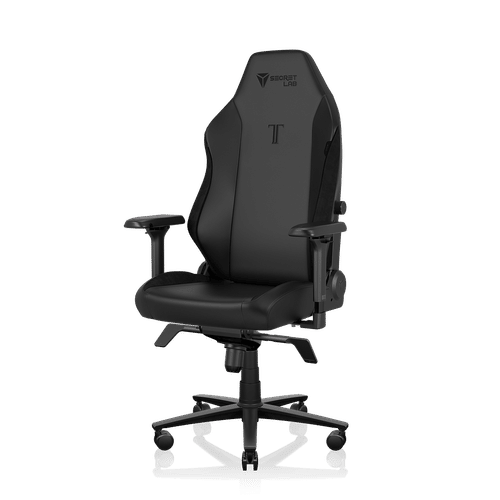
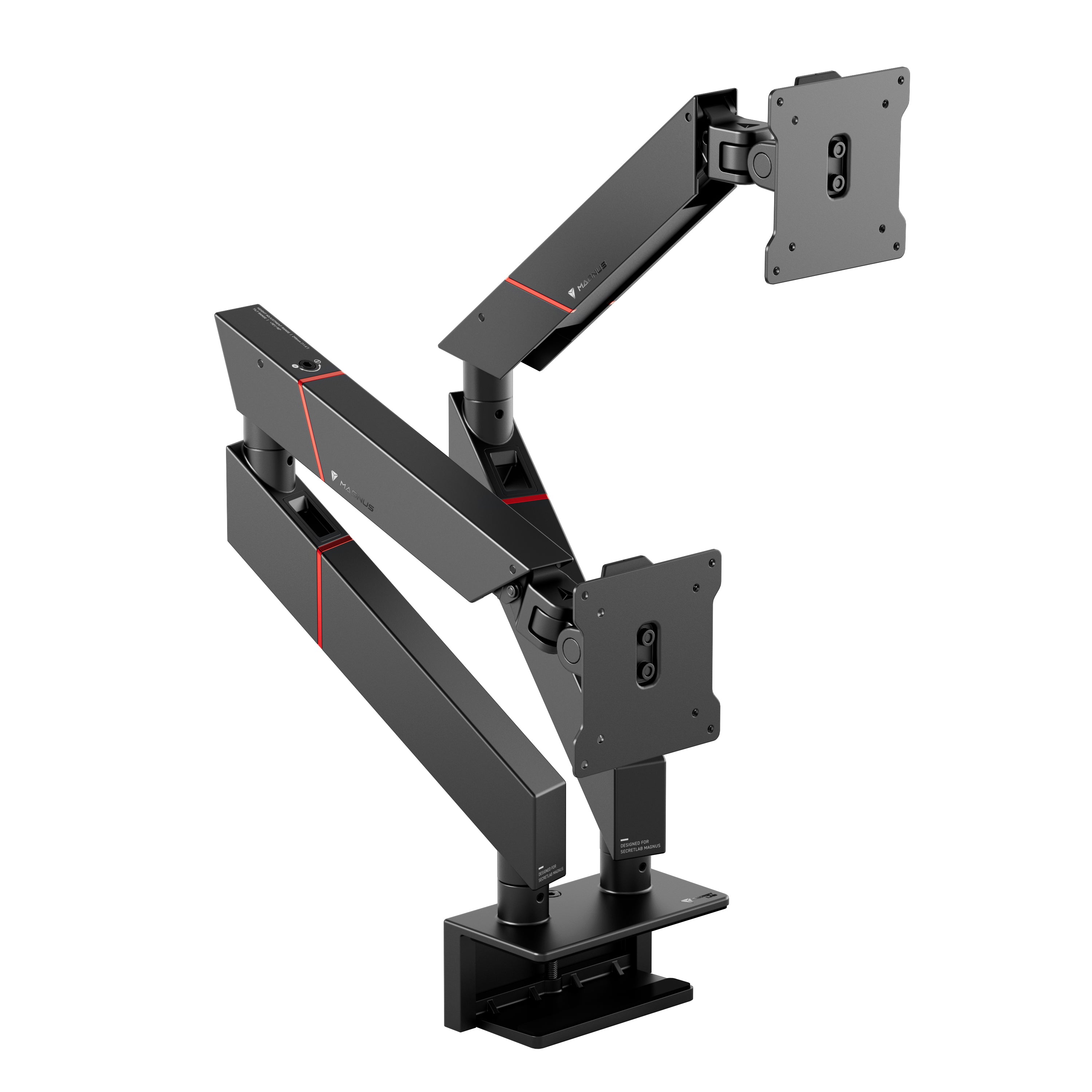
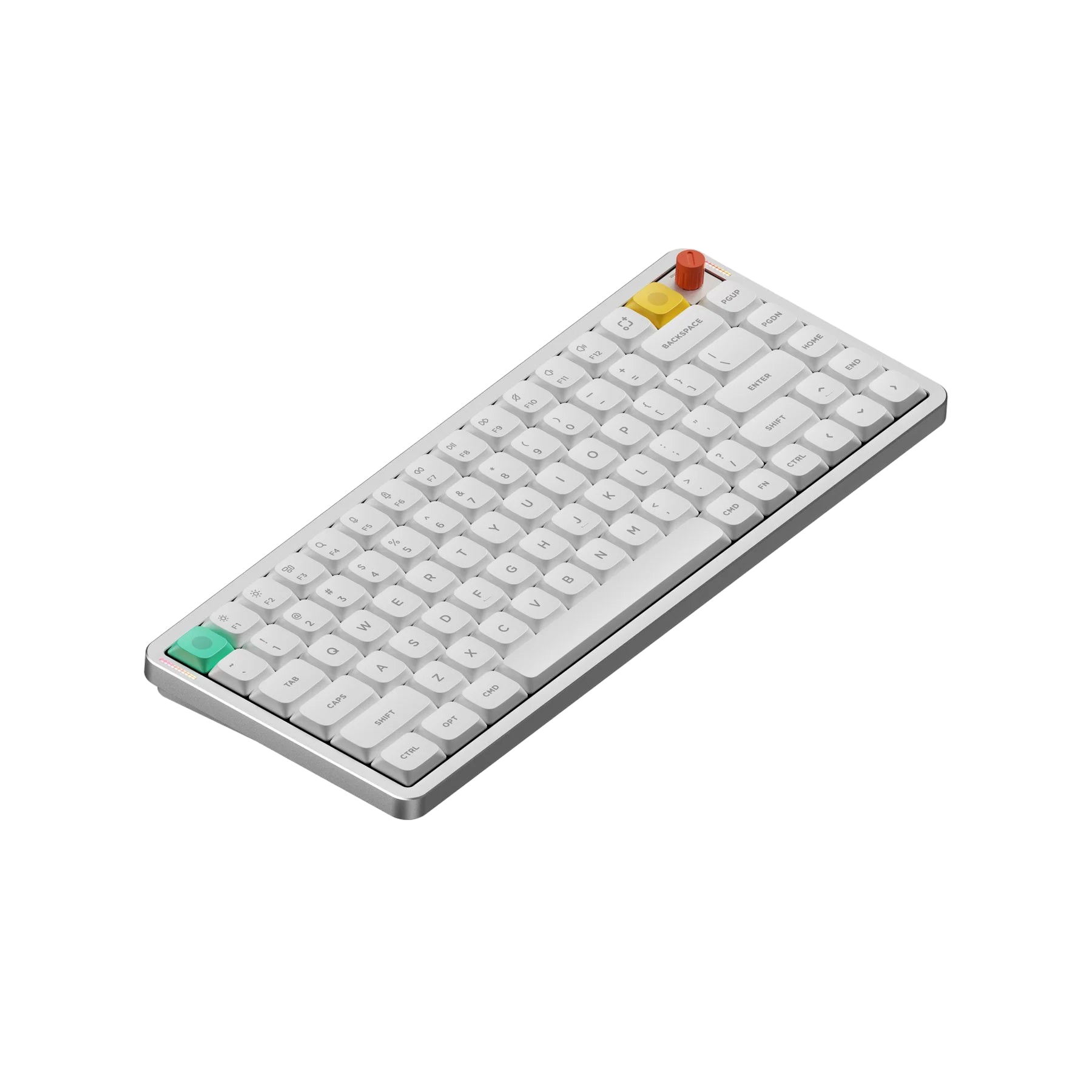
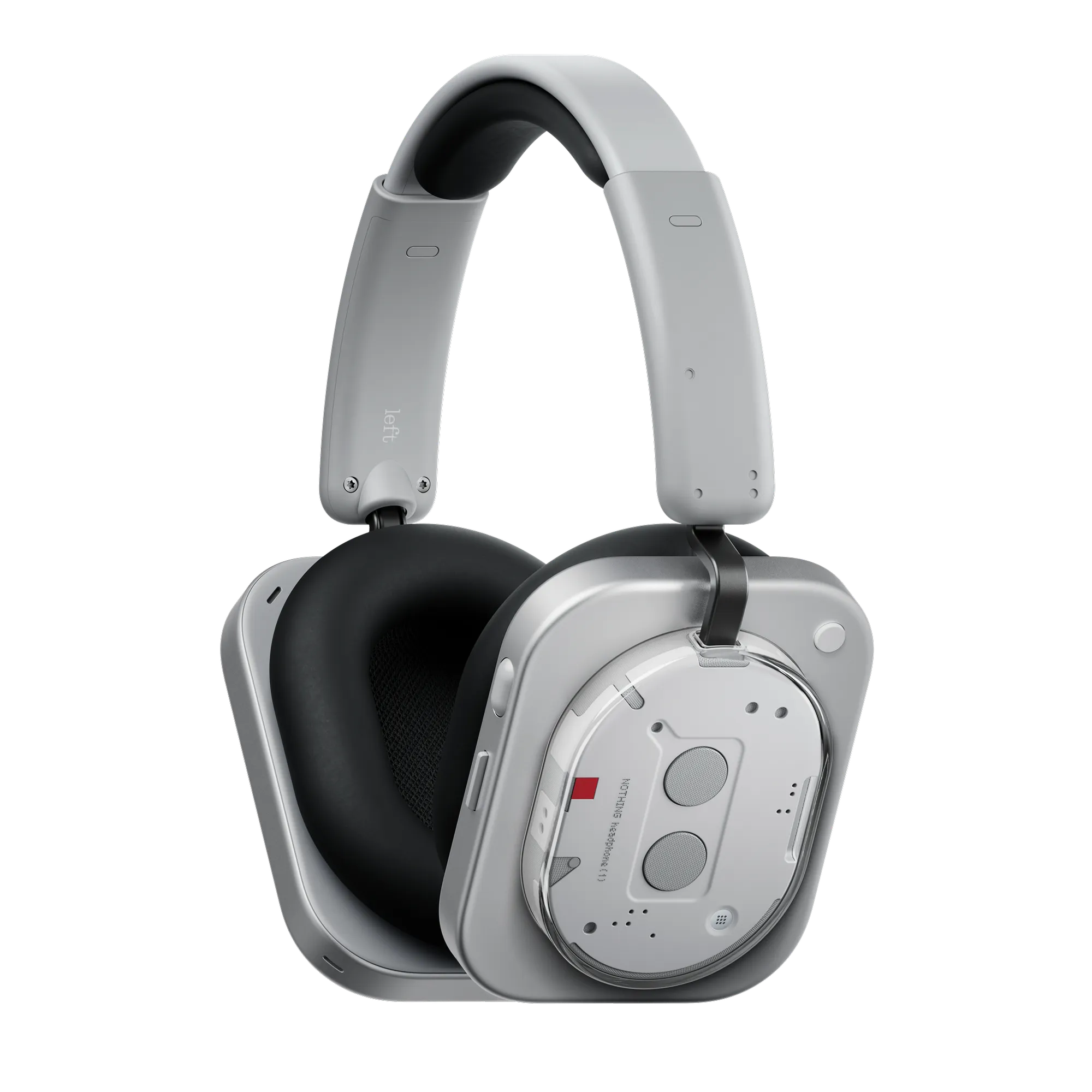
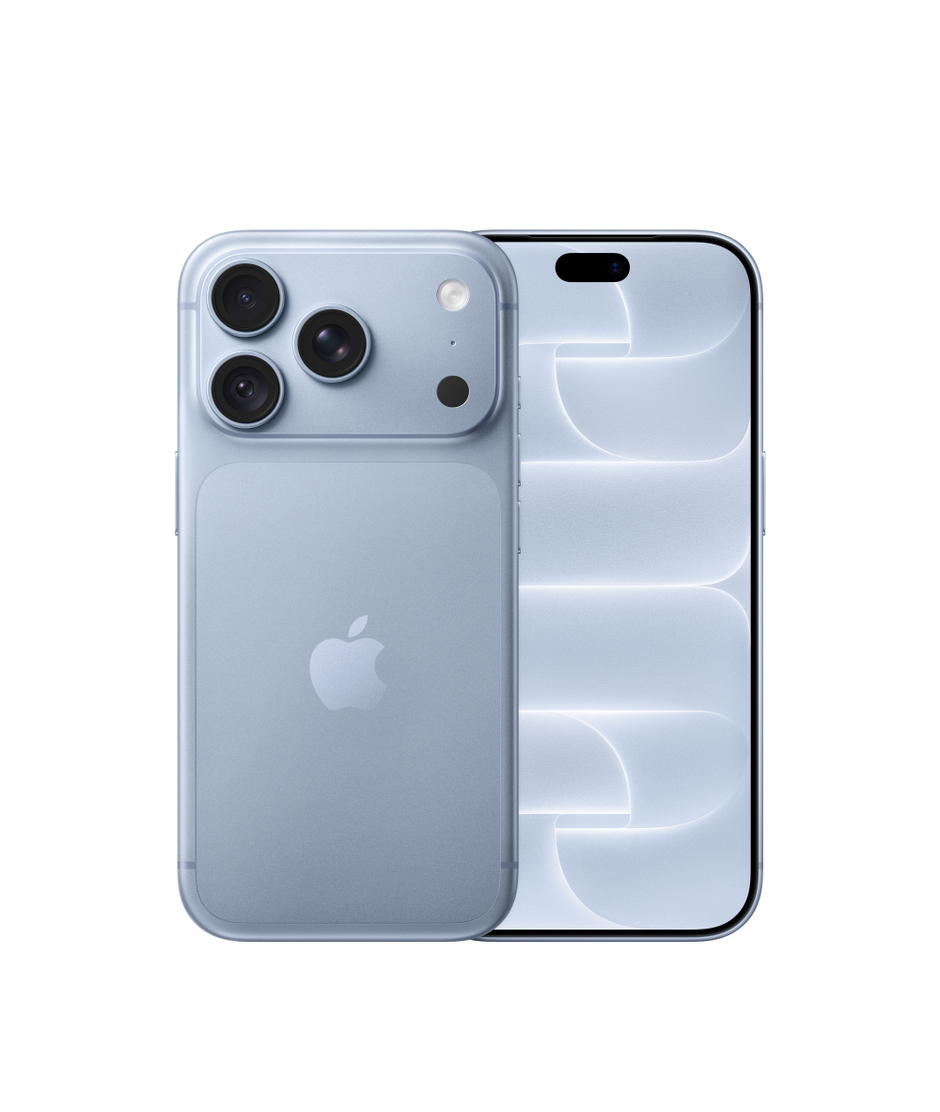
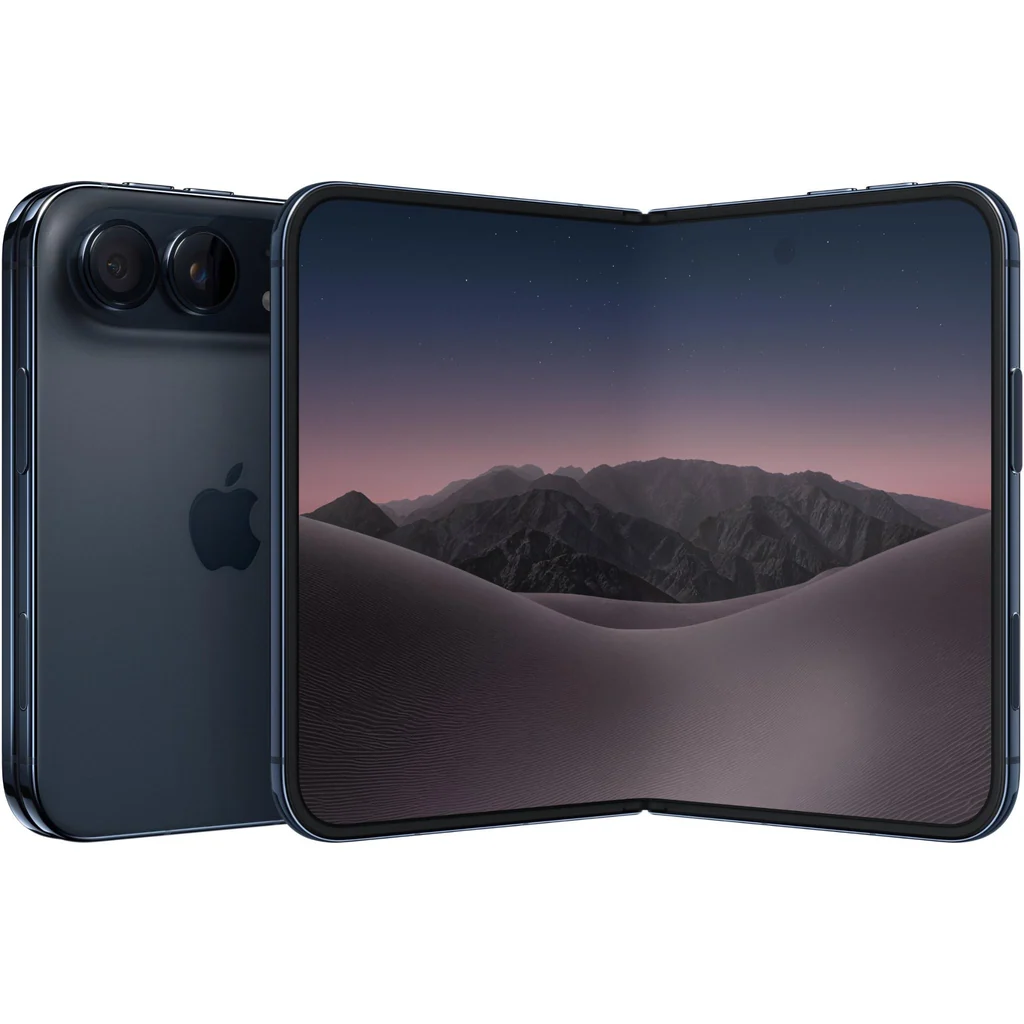
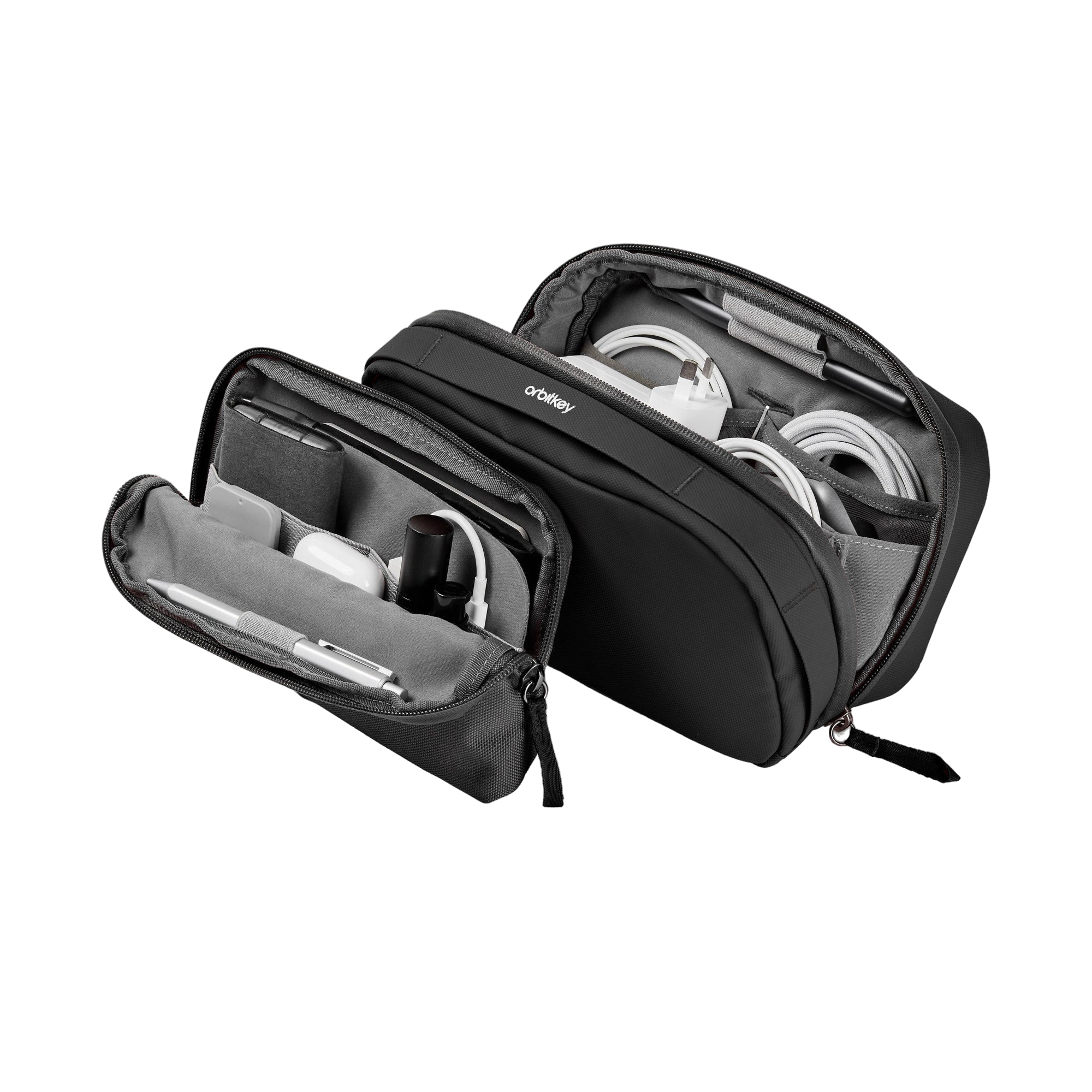
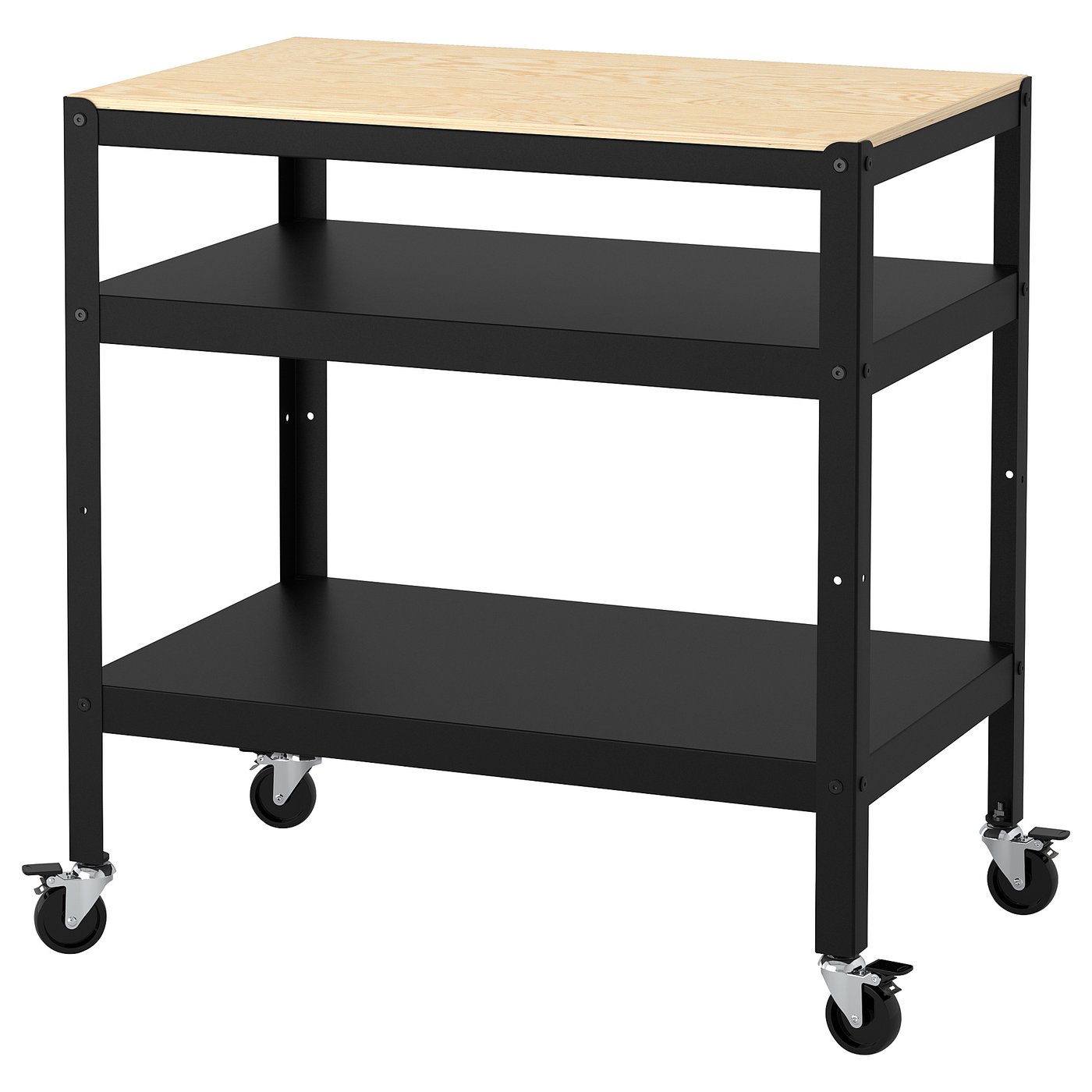
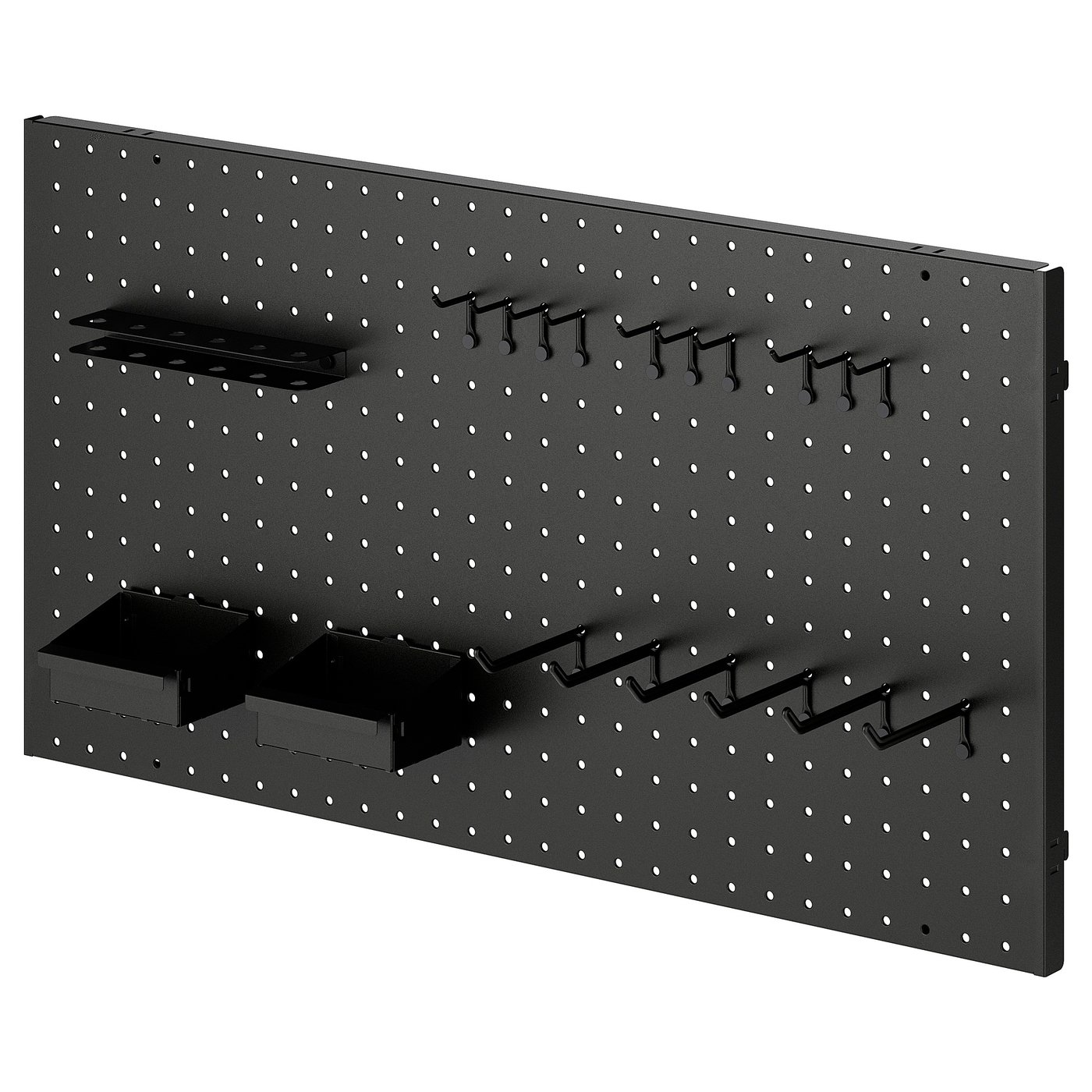
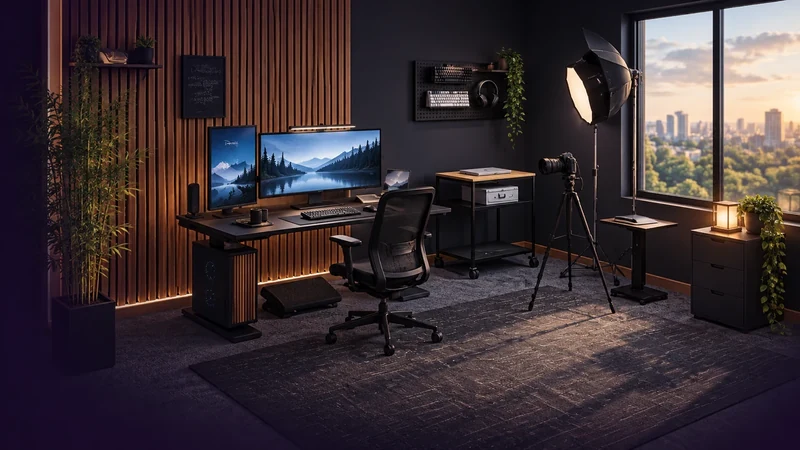
A little world of things I love. Explore the gear. Make yourself at home.
Right drag to orbit · Middle drag to orbit · Ctrl + wheel to zoom.
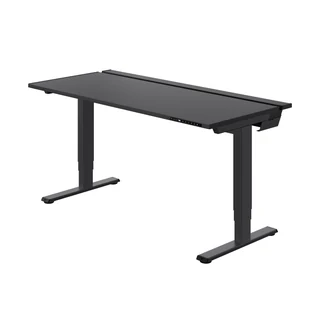
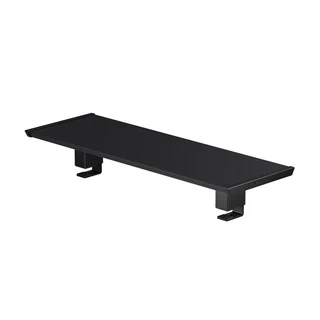
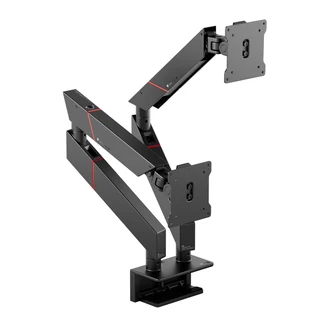
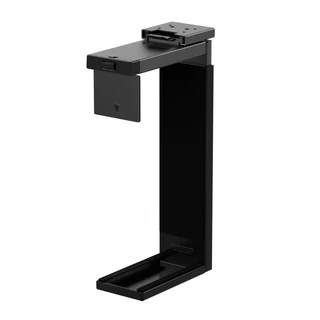
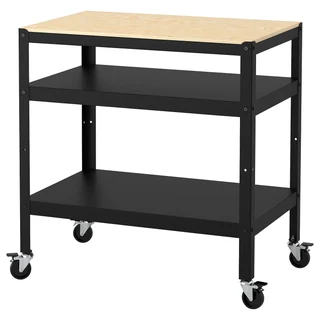
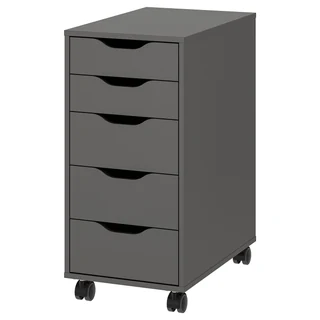
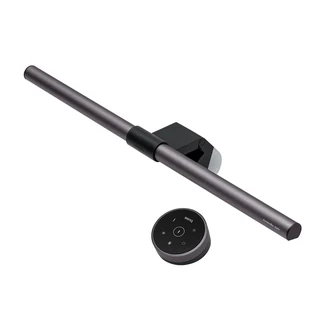
Build: choose an object, move the preview and click to place it. Desktop gear attaches to desks, carts and cabinets. Select an existing item to move, rotate, recolor or remove it.
Live: switch lights and screens, open curtains, animate your character and start a focus session. Your furnishings stay exactly where you put them.
Groups: Shift click items, then drag or use your move shortcut to move together. Arrow keys nudge; Shift + arrows moves farther. Your rotate key turns selected items. Page Up / Down adjusts wall groups. Esc cancels and Ctrl Z restores. Use Layout checkboxes for small or hidden items.
Proportions: select an item to set its width, height and depth. Click Thiago for character proportions. The room checks supports and boundaries before accepting a change. Review lets you leave comments and attach reference files for each item.
View: drag in Live, or right drag or Alt + left drag in Build, to orbit in every direction. Middle drag orbits around the centered room. On touch screens, drag to orbit and pinch to zoom. Wheel or Ctrl + wheel zooms. Shift + right drag rolls the view. The View controls panel also has separate yaw, tilt and roll sliders. Lock angle holds your view while you edit. Reference view returns to the starting angle after you unlock. Walls toggles the shell when it obscures the room. Viewing angle is saved automatically in this browser and included in room exports.
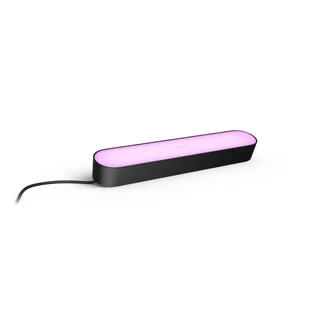
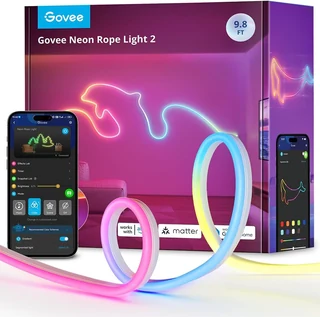
Settings: open Settings for display size, panel docking, reduced motion, storm lighting and customizable move/rotate shortcuts. Product links live beside the relevant controls. Night and day preserve your chosen light colors.
Save: saves this browser. Export a room file for a durable backup or to move between devices. Every object edit has undo. The viewing angle and lock stay independent.
The only creative suite you need
AI Toolkit
Build Apps With AI
Create images, videos, characters, and audio in one place.
Execute tasks, automate workflows, and extend your human reach.
Click here to install recipe shortcut
Zapier
Input text, image, or audio to create your perfect avatar
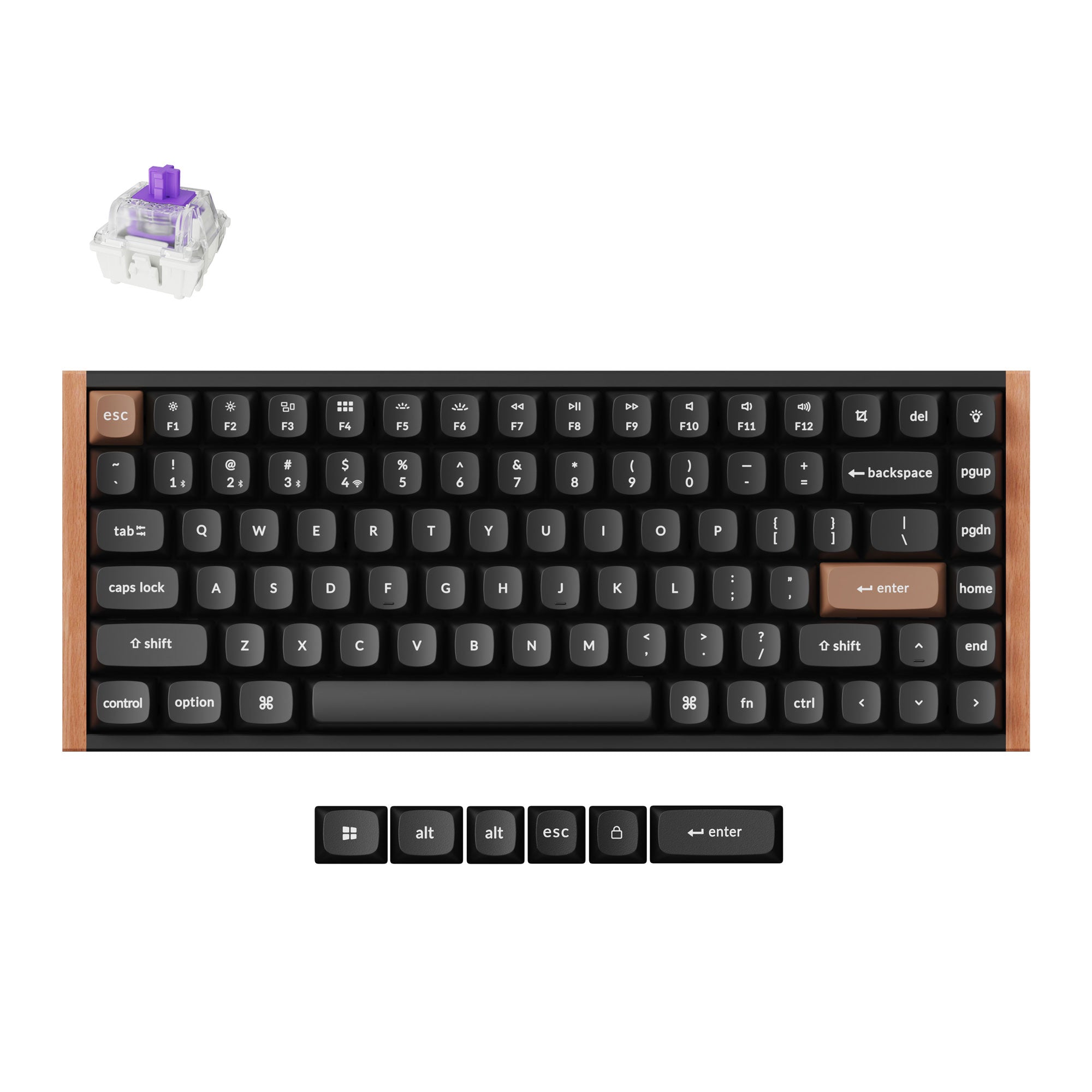
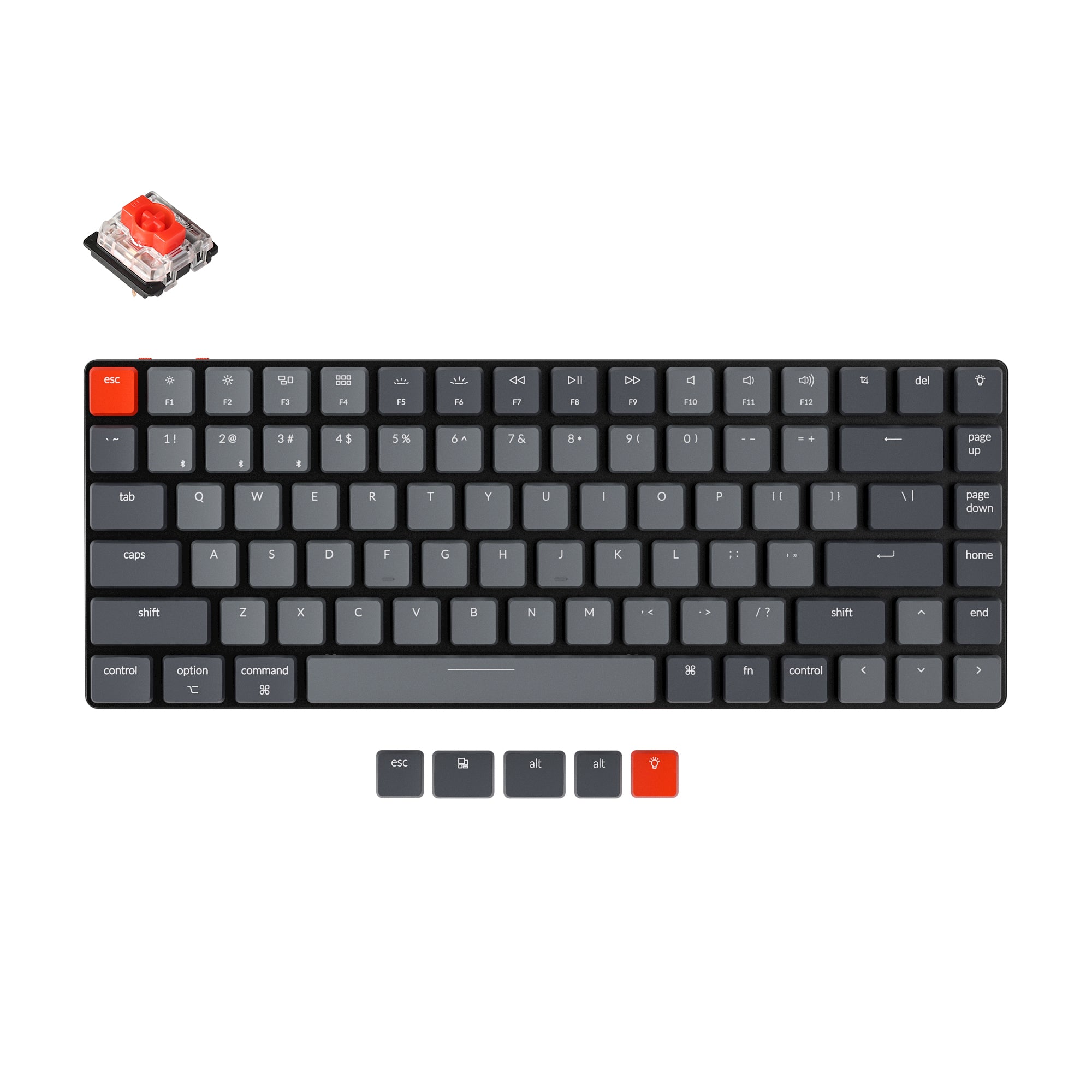
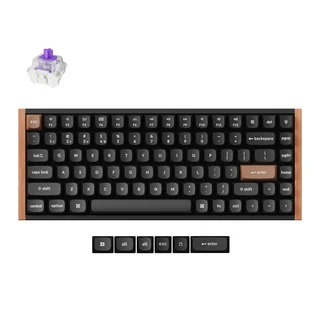
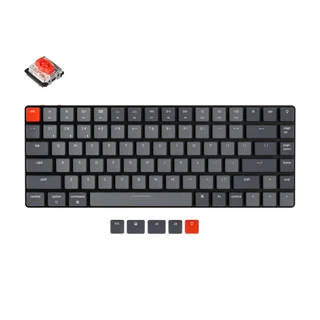
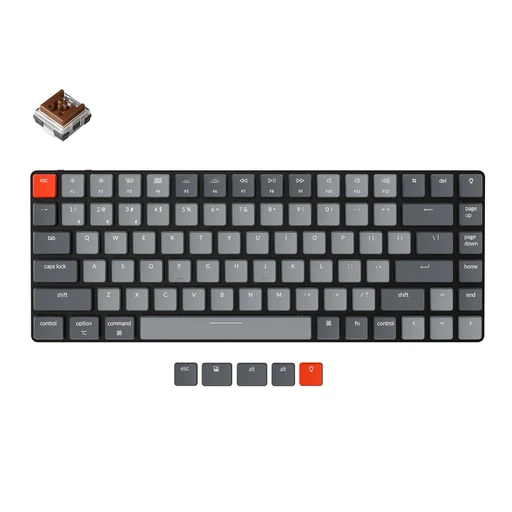
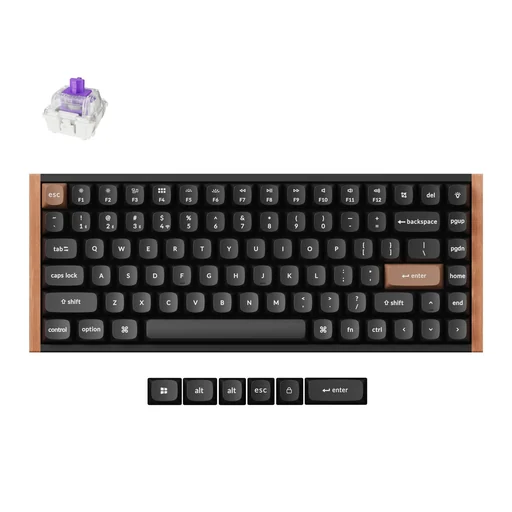
Personal Keyboard
By subscribing you agree to receive emails from BraveTech. Unsubscribe anytime.
Social and partner links work here. Enable JavaScript to open setup categories and explore the office.
Partner links may earn me a commission
Get my AI tech tips first





 Thiago Derminio | Smart Tips ⚡️